 PeriHub
Keyboard lighting
Static colors for each zone, gradient, breathing, color cycle, wave, reactive (the zone of each key you press lights up) and the keyboard's built-in effects.
Free and open source · Windows and Linux
One app for your gaming keyboard and mouse, without SteelSeries GG or Logitech G HUB. Lighting, key remapping, DPI, buttons and macros, in a small app with no account, no ads and no telemetry. See which devices work today.
Download for Linux
The .deb and .rpm are smaller and set up USB access by themselves. On Arch and CachyOS, build the package from the repository.
PeriHub runs on Windows and Linux PCs. Open this page on your computer to download it:
hex-dump.github.io/perihub
PeriHub is not available for macOS. It runs on Windows and Linux.
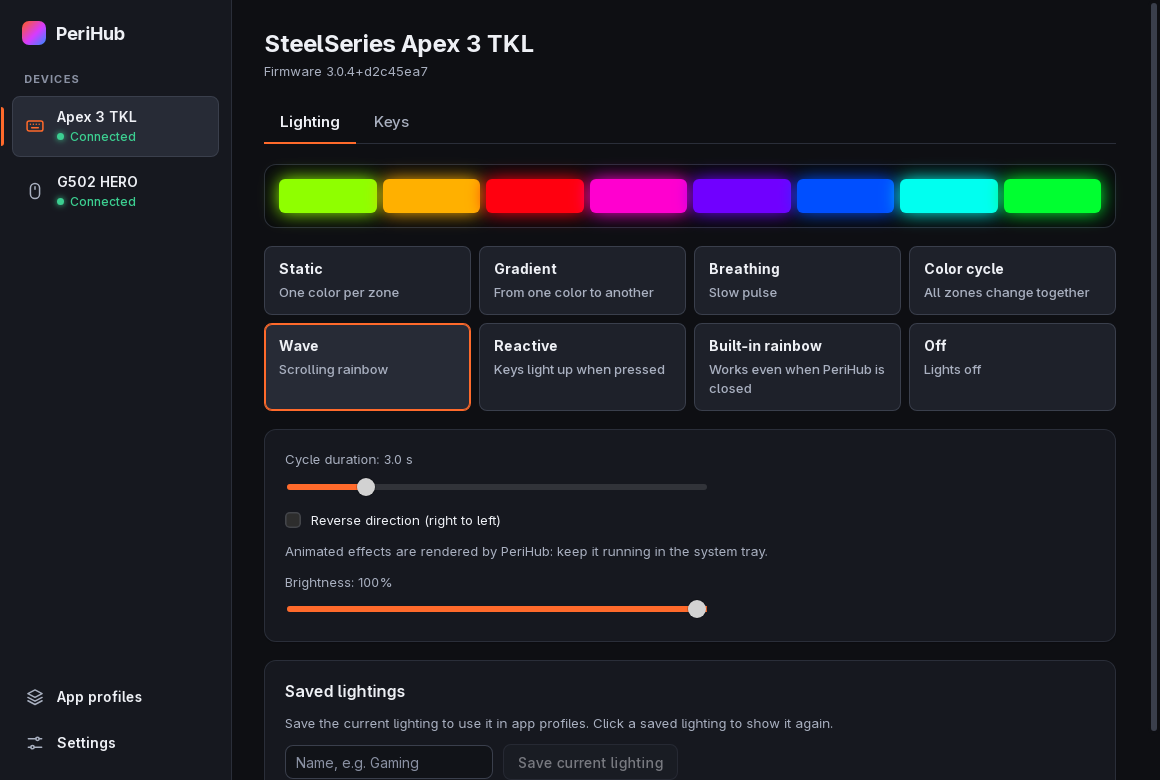
Static colors for each zone, gradient, breathing, color cycle, wave, reactive (the zone of each key you press lights up) and the keyboard's built-in effects.
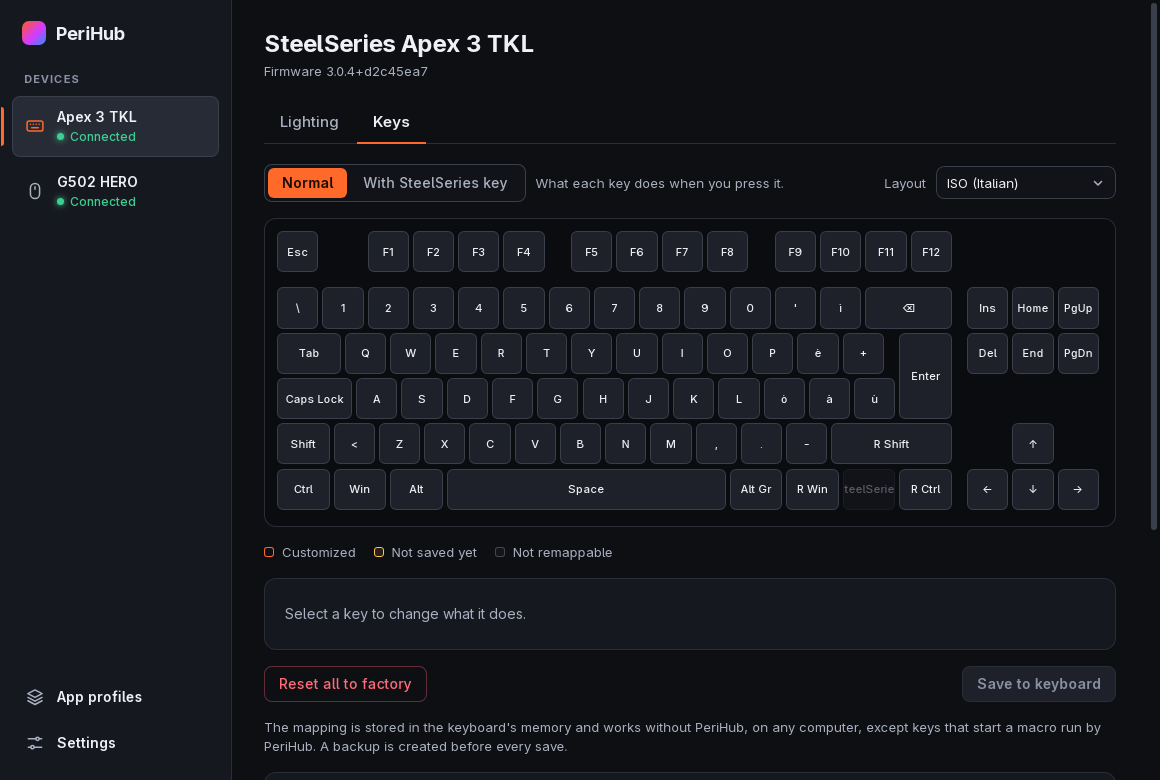
Change any key, also on the layer you get while holding the SteelSeries key. Saved in the keyboard, so it works without PeriHub.
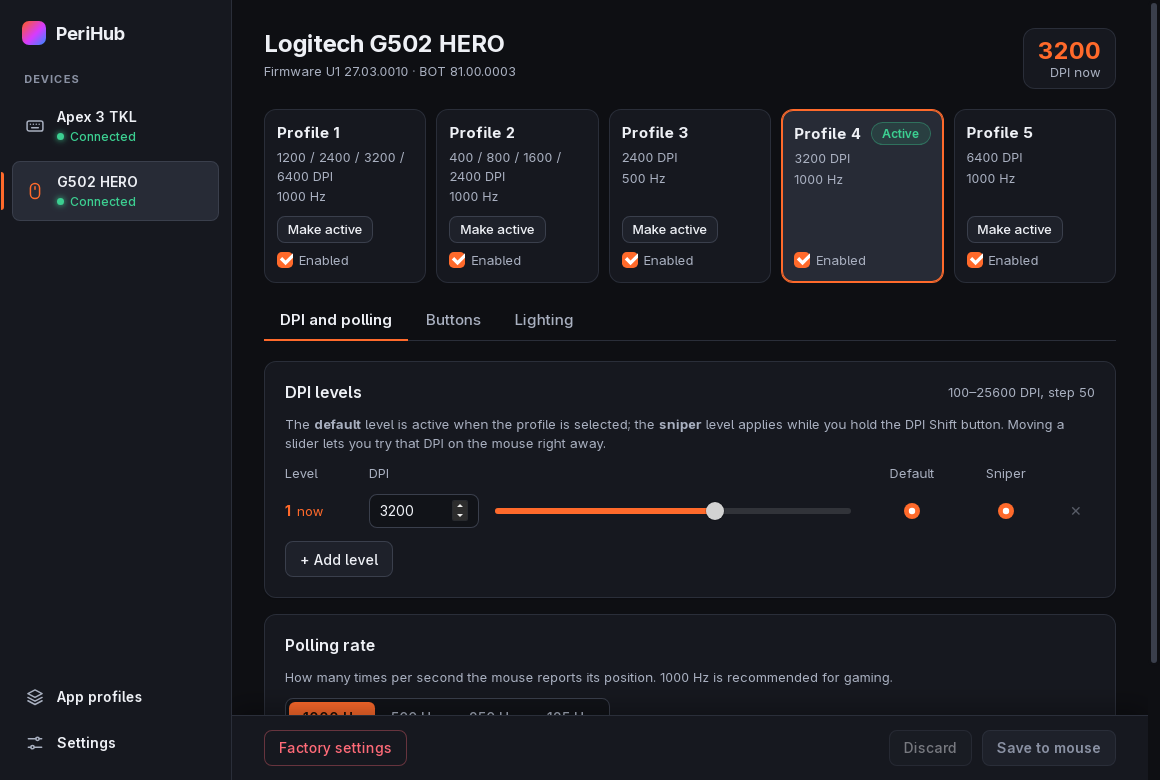
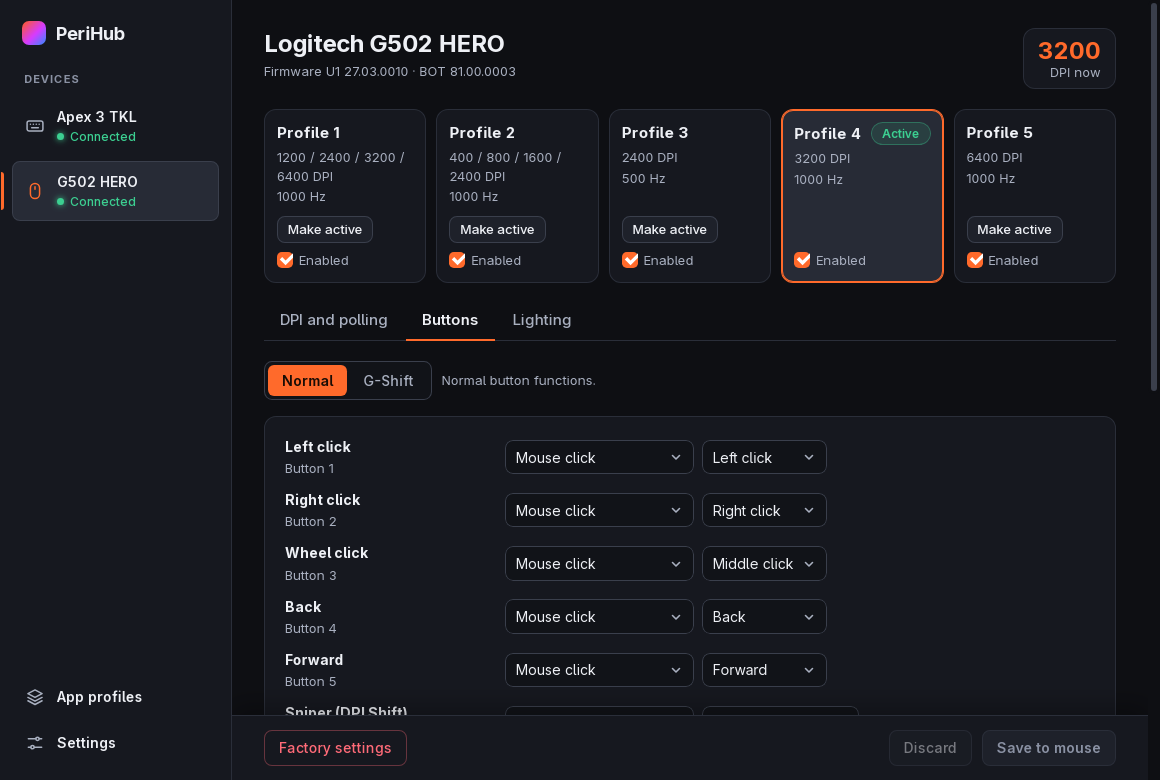
Onboard profiles with DPI levels, polling rate, every button, G-Shift and lighting. All saved in the mouse.
Record macros into the mouse memory, so they work on any PC. Software macros can also repeat, type text, or open a website or a program.
Switch lighting and mouse profile when a game is in focus, and switch back when you leave it. On Windows and on Hyprland.
A 4.1 MB installer for Windows. Closed, it waits in the tray with about 2 MB of memory (measured on version 0.4.0). No background services.
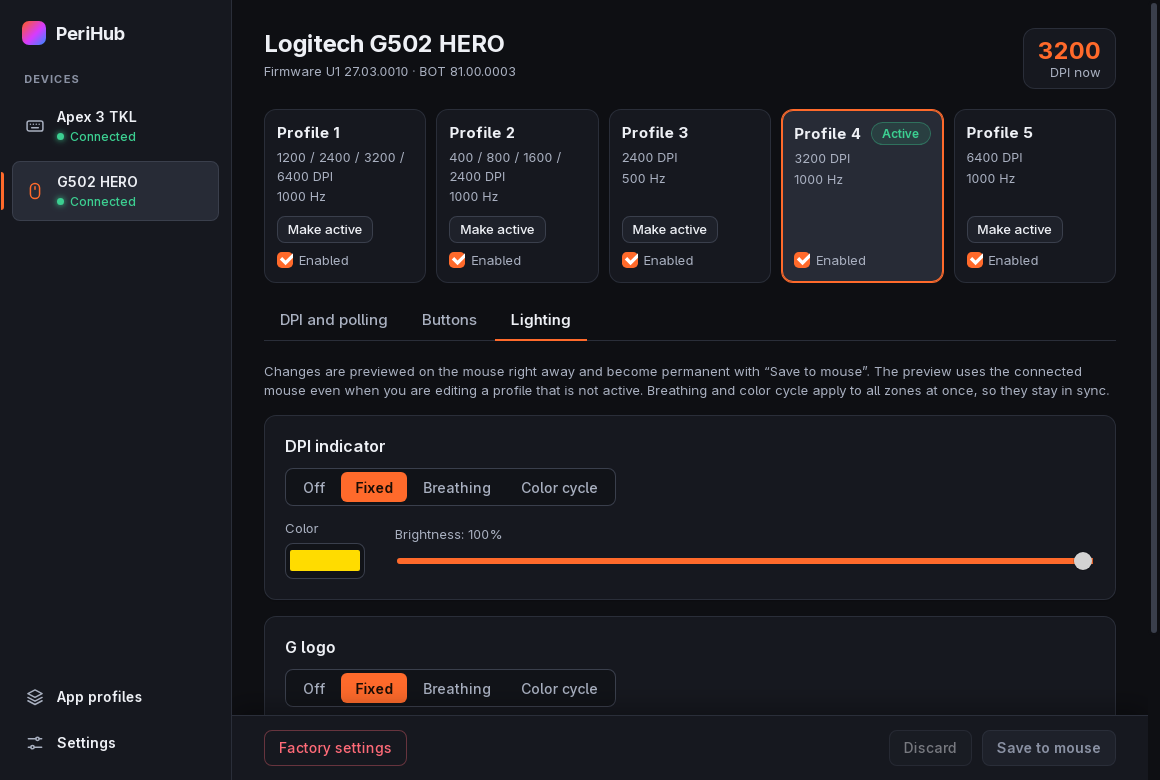
Everything works, tested on real hardware.
30 more Logitech G mice are recognized: 27 with a USB cable, and 15 wireless models through their LIGHTSPEED receiver. PeriHub shows their profiles, DPI, buttons, lighting and battery, but changes nothing until someone confirms that the model works.
G502 Proteus Core, G502 Proteus Spectrum, G502 HERO Wireless, G502 X, G502 X Wireless, G502 X PLUS, G Pro, G Pro Wireless, G Pro X Superlight, G102/G103/G203, G302, G303, G303 Shroud Edition, G402, G403, G403 HERO, G403 Wireless, G703, G703 HERO, G705, G900, G903, G903 HERO, MX518, and the wireless-only G305, G603 and G604.
The SteelSeries Apex 3 (not TKL) is recognized, but PeriHub sends nothing to it yet.
A short test report takes a few minutes, and it is how a model becomes fully supported. PeriHub fills in most of it for you: Open test form on the mouse page.
Another device? Open a device request: new devices are added one at a time, after a test on real hardware.
The installer is not code-signed yet. Your browser may say the file is not commonly downloaded: choose Keep. If Windows SmartScreen blocks it, click More info → Run anyway.
PeriHub has applied to SignPath Foundation for free code signing for open source projects. See the code signing policy.
Before you start PeriHub, quit SteelSeries GG and Logitech G HUB and turn off their autostart: two apps talking to the same device get in each other's way.
No drivers needed. PeriHub tells you when a new version is out and updates with one click. With Scoop: community bucket.
Pick the .deb or the .rpm if your distribution uses them: they are much smaller, because they use your system's web engine, and they set up USB access by themselves. The AppImage works everywhere and brings its own engine, which makes it larger.
With the AppImage, see USB permissions. On Arch and CachyOS you can build the package from the repository.
PeriHub is free, and one person makes it in their spare time. If it saved you from installing G HUB or GG, two things help a lot.
It is free and takes a second: open the page and press Star at the top. Stars are how people find a project on GitHub, and more users mean more mice tested and supported.
★ Star on GitHubNeeds a free GitHub accountIf you want to say thanks, a small donation keeps the project going. It is never required: every feature of PeriHub stays free.
☕ Buy me a coffeebuymeacoffee.com